Stardock’s Tiles reimagines the Windows task metaphor
Thursday, March 10, 2011 by Frogboy | Discussion: Personal Computing
Over the years, Stardock’s Object Desktop suite of utilities has been the source of many innovations on the PC. It is where the concept of “widgets” and “gadgets” was born. It is where ZIP files being treated like folders came from, it’s where GUI skinning came from, it’s where animated desktop wallpaper came from. And more recently, it’s where the popular icon organization program, Fences came from.
This year, Stardock is proud to add Tiles to the list of new Object Desktop programs. Tiles is to tasks what Fences is to desktop icons. It is designed to allow users to more effectively manage what they are working on.
“The current PC task management metaphor hasn’t really changed in over 18 years,” said Brad Wardell, President & CEO of Stardock. “In recent years, mobile devices have been able to introduce users to more modern metaphors of arranging their digital life. Tiles has been designed to update that metaphor to the PC experience.”
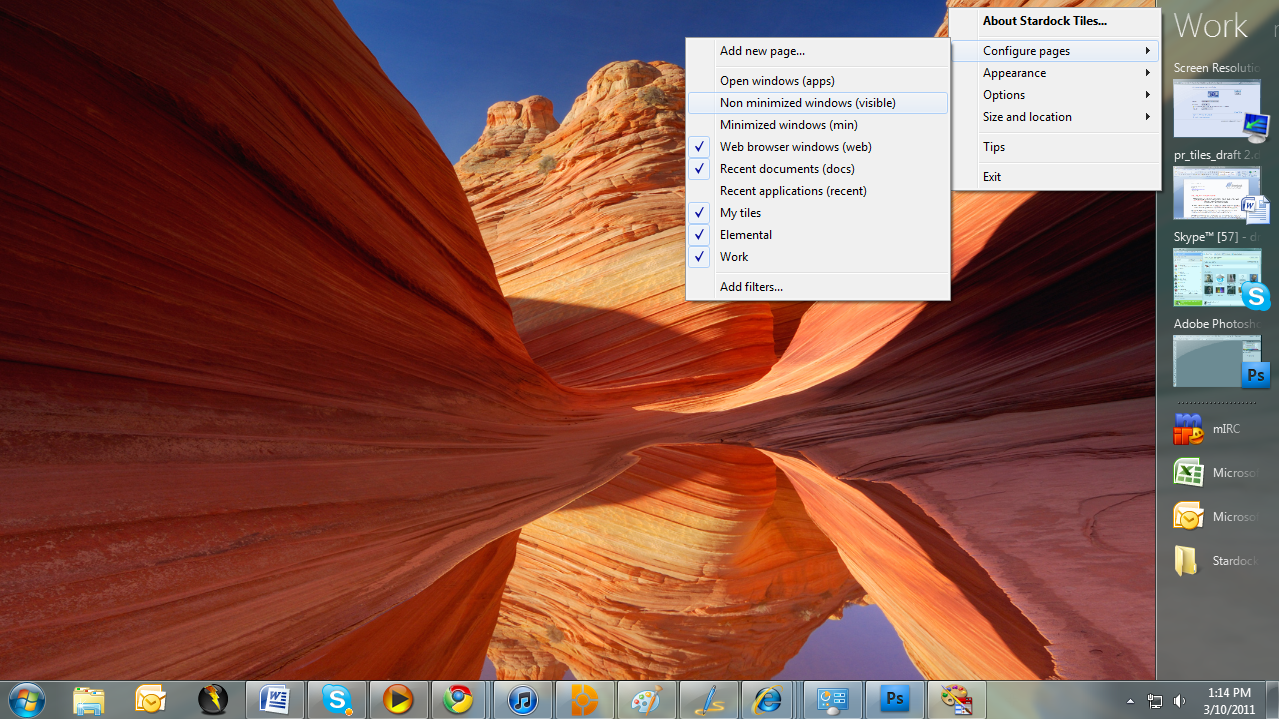
Tiles works by taking advantage of the wider aspect ratios of today’s desktops. On the right side of the screen, a page of tiles is displayed. Users may have multiple pages that they organize as they see fit or make use of several sample page filters such as displaying only active windows or only web pages. Users can then switch between pages either by clicking on the page title or on touch systems by sweeping their finger across the page to “turn the page”.
Users add tiles to a page through either holding the shift key down and dragging a window onto a page or by dragging an icon onto the page. When the tile is active, it is displayed as with a thumbnail of the window. When the tile is inactive, only the program’s icon is displayed. Users can configure Tiles to be different sizes, automatically maximize the windows selected tiles, automatically hide and show windows based on the tiles on a particular page as well as dozens of other options to enable users to customize Tiles to their work style.
Tiles is currently in beta exclusively on Stardock’s Object Desktop software network. Users can get Object Desktop at www.objectdesktop.com. It is expected to be generally released this Summer.
Download:
Video:
http://www.screencast.com/t/u4oK0520uoK
Screenshots:


Know Another Language? Come Help with DeskScapes!
Wednesday, March 9, 2011 by Island Dog | Discussion: OS Customization

DeskScapes is a very popular application for both using animated wallpapers and for managing and using static wallpapers. In an effort to expand the use and accessibility of DeskScapes a localization feature was added so DeskScapes could display a language other than the default of English. If you are fluent in another language and can translate a language file with it, then read on!
The language files can be found in: C:\Program Files (x86)\Stardock\Object Desktop\DeskScapes3\lang
Open one of the English files with an application like Notepad and you can see the format.
If you would like to help out, just post in this thread or PM me. If you can complete a language file for DeskScapes we would offer you your choice of a 1 year WinCustomize subscription/renewal, a copy of DeskScapes or WindowBlinds.
This Week in Skinning–March 4th
Skin Roundup for 3-4-11
Friday, March 4, 2011 by Island Dog | Discussion: OS Customization

Lets get this week closed out already! There’s not much to talk about this week, but we did have a steady stream of skin submissions this week, so here is our weekly roundup of some of the featured picks for the week!
|
|
Beedle by ahabkaba This CursorFX theme can match a wide variety of themes. Great details, but keeps the simplicity. |
|
|
Serpentis by komputer2010 These are a couple of icons that can be used in ObjectDock. A really nice design! |
|
|
Faenza Widgets I really like the icon set used in this Rainmeter theme, and is a perfect complement to any desktop. |
|
|
Life by Whalecore This wallpaper has such a simple and awesome concept behind it. Great work! |
|
|
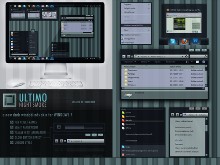
ULTIMO Night Smoke by TomRichter This is another WindowBlinds skin added to my favorites collection. The colors and design are all fantastic! |

This Week in Skinning-February 25th
Skin Roundup for 2-25-11
Friday, February 25, 2011 by Island Dog | Discussion: OS Customization
This was long week, and I’m certainly glad the weekend is upon us. We finally finished the 2011 WinCustomize Community Wallpaper, so take a moment and check it out!
Now for this weeks picks!
|
|
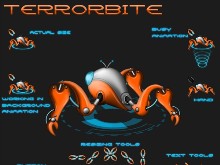
Terror Bite by Vampothika This CursorFX theme is awesome. A very detailed design and cool animations make this a definite download. |
|
|
Spectacle by TheMasterBaron Another animated wallpaper with some cool animations. Great work! |
|
|
WeatherSun Tiles by frankell A colorful and unique set of background tiles for ObjectDock. I like! |
|
|
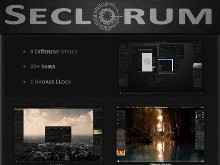
Seclorum by Varelse42 This is an incredible set of Rainmeter skins, over 40 of them! |
|
|
Patriot by navigatsio This is a metal looking skin with clean lines and a slick design. Great job! |


ObjectDock Plus 2: Changing Background Themes
Thursday, February 24, 2011 by Island Dog | Discussion: Personal Computing
There is another tutorial out there I wrote, but that was for the previous version of ObjectDock so I figured now is a good time to get a new one up. ObjectDock 2 had a major overhaul in its user interface, and with that came a few new ways to do things that people might not be familiar with.
If you don’t already have ObjectDock 2, then get it from here: https://www.stardock.com/products/objectdock/
There is a free and Plus version, and the Plus version gives additional features such as multiple docks, tabbed docks, and much more.
Open up your ObjectDock configuration and you will see a list of docks you currently have on your desktop. Click Style/Color for the dock you wish to change, and then select Change Theme.

Now you will see all the background themes you have available. To change to another theme, simply click on one in the list.

WinCustomize has an dedicated gallery for ObjectDock Backgrounds, and there are tons available to download. You can open your backgrounds folder from the theme configuration to install them, or automatically if they have a .dockzip extension.
Stardock Customer Report 2010
Tuesday, February 22, 2011 by Island Dog | Discussion: Elemental News

For the last couple of years Stardock has released its Customer Report to the public, and we have always received a great response to it, so I’m happy to present the Stardock Customer Report 2010. This report is part of the internal business plan of Stardock along with results from our yearly customer survey that we send out to our customers.
View: Stardock Customer Report 2010
This Week in Skinning-February 18th
Skin Roundup for 2-18-11
Friday, February 18, 2011 by Island Dog | Discussion: OS Customization
 As many of us get ready to head out for a nice weekend of relaxation, we will cap off this week with another edition of This Week in Skinning! This was kind of a quiet week as far as news goes, but that never stops the skins from rolling in.
Now for this weeks picks!
|
|
Mercury by amitsaran We have quite a few animated wallpapers of Earth, so now I’m glad to see the expansion into the rest of the solar system. |
|
|
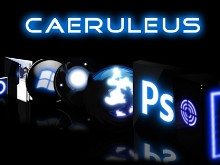
Caeruleus by komputers2010 These are some icons that can be used with ObjectDock with a dark and slick look to them. |
|
|
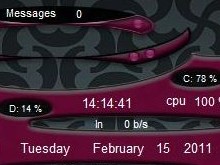
Abstract by Uvah This is a really cool “skinned” SysMetrix skin. Great work! |
|
|
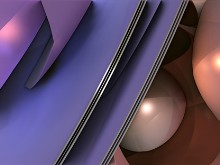
Playful Sphere by skyzyk I just really like the overall design and color of this wallpaper. Nice! |
|
|
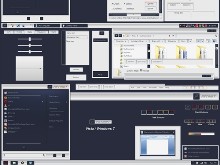
ULTIMO Orange Cobalt by TomRichter The color combination of orange and black just looks fantastic on a WindowBlinds skin. Very nice! |

My desktop sneak peek
Wednesday, February 16, 2011 by Frogboy | Discussion: OS Customization

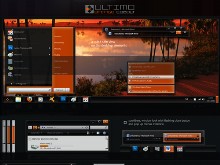
New Object Desktop component about to go into beta. Big in development for a looong time.
Impulse Guide: Backing Up your Object Desktop Apps
Tuesday, February 15, 2011 by Island Dog | Discussion: Personal Computing

If you have a subscription to Object Desktop you should know that as long as your subscription is active then you will always have access to the latest and greatest apps available. One very important point to make is that everyone should make a backup archive of their apps in case they ever need to be restored if for whatever reason you don’t have access to the current updates.
Here’s how to do it:
Go to the My Software tab in Impulse and right-click the application you want to archive. Select Archive Application and that’s it, you now have an archive of that version which will be shown as a .impulse file.

Your archive files can then be found in C:\ProgramData\Stardock\Impulse\backup. Once they are backed up you can copy them to an external drive or DVD for storage if you wish. In the Impulse preferences you can also specify the archive file location.
In Impulse preferences, under the Advanced Settings there is an option for the archives. You have a box here you can check that will automatically archive your applications before they are updated. This way you will always have an archive when a new update comes through.

If you ever need to restore that archive, you can find that option in the Impulse preferences menu.
If you don’t have access to Impulse, you can alternatively download .impulse files from Impulse Anywhere, but you will need Impulse to install them.
This Week in Skinning–February 11th
Skin Roundup for 2-11-11
Friday, February 11, 2011 by Island Dog | Discussion: OS Customization
Welcome to Friday! More importantly, welcome to the latest edition of This Week in Skinning! This is the weekend before Valentine’s Day and we have had some great inspired skins come in especially in the wallpaper gallery. Otherwise we have had a great mix of skins come in over the last week so be sure to take a stroll through all the galleries in case you missed some.
Now for this weeks picks!
|
|
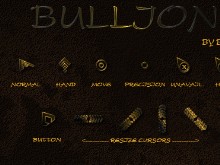
Bullion by BoXXi I always enjoy the CursorFX themes that BoXXi puts out, and this is a new favorite. |
|
|
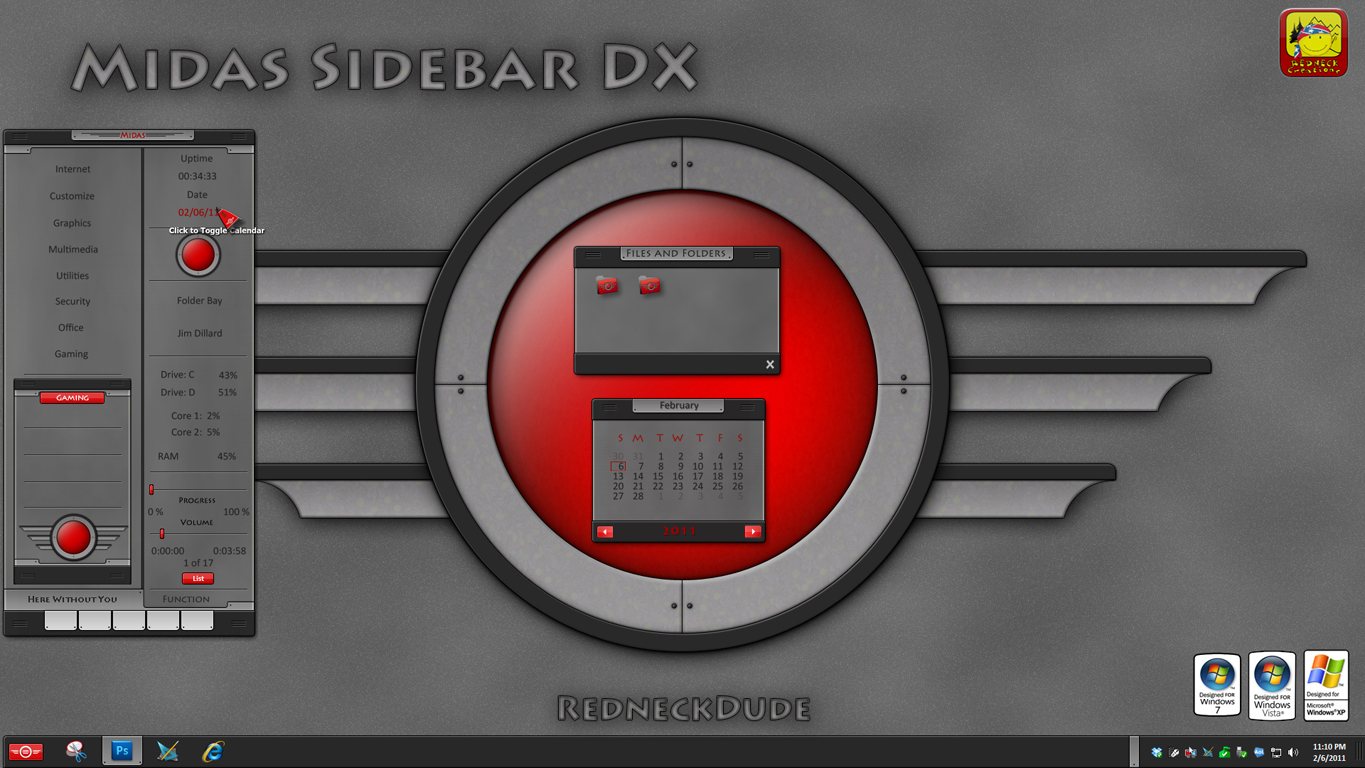
Midas Sidebar DX by RedneckDude |
|
|
Superman Dock by frankell A Superman inspired dock that looks great on the desktop even if you aren’t using a Superman theme. |
|
|
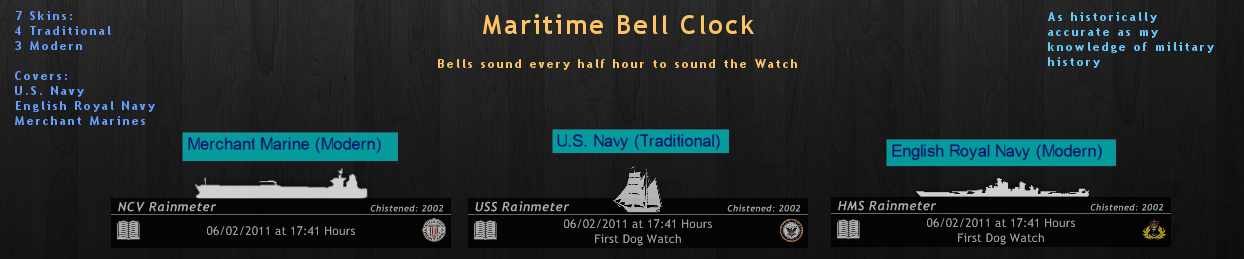
Martitime Bell Clock by sgtevmckay This skin really shows off what Rainmeter can do. This is just really cool so be sure to check it out. |
|
|
Looove Color 2 by vlad Vlad always creates some really cool Valentine’s wallpaper, and this is a new favorite. A red version is available too! |
|
|
Argon by Xiandi Described as a “retro” skin for the old days of skinning, I can say for certain this recreates the old feel of skinning of many years ago. |